AI Music Generator for FL Studio & Ableton
Stop using closed AI web browsers. Learn how to generate, export, and mix uncompressed AI stems directly into FL Studio, Ableton Live, and Logic Pro.
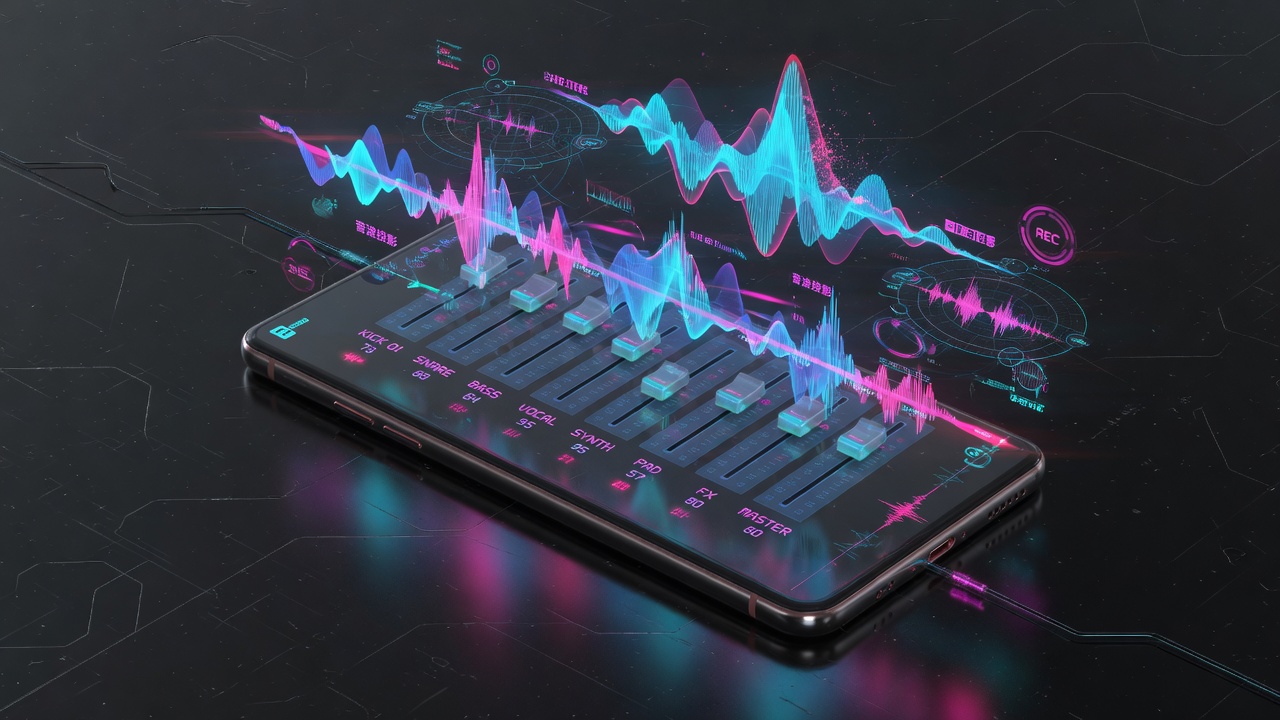
The Missing Link for Producers
Most AI music generators are closed ecosystems. They don't want you to leave their app. But if you use FL Studio, Ableton Live, or Logic Pro, you need raw audio data, not a web player.
How to Integrate LensDJ Pro with your DAW
LensDJ Pro acts as an external bridge to your DAW. Because it outputs a live 8-channel matrix, you can isolate exactly what you need. Need just the kick drum and the vocal? Mute the other channels in LensDJ, click BOUNCE MIX, and drag the resulting 48kHz .WAV file straight into your Ableton timeline or FL Studio channel rack.
Hardware Ingest: You can also route your DAW's master output back into LensDJ Pro. Play a chord progression in Logic, and ask the AI to generate a complementary vocal stem over it.
Frequently Asked Questions
It operates as a standalone desktop terminal (PC/Mac) that instantly bounces .WAV files optimized for drag-and-drop into any VST-compatible DAW.
Yes. You explicitly set the exact BPM in LensDJ Pro before generation. When you drop the exported WAV into Ableton or FL Studio, it snaps perfectly to the grid.